
Last updated: 11 June 2026
Many companies are rolling out copilots, chatbots, or first-generation AI agents and expecting immediate productivity gains. In practice, the impact often stays smaller than hoped. The reason is rarely just technical. More often, the company has not answered the more important questions: Which work actually changes? Who remains accountable? And how do you create enough trust to turn experimentation into real adoption?
That is where the difference between a new tool and real transformation begins. Dropping an AI system into daily work is easy. Rebuilding work, approvals, roles, and decision paths around it is the real job.
In this article
- why many AI initiatives stay stuck in pilot mode even when the tools look impressive
- what actually has to change when AI adoption becomes real transformation
- how to build a realistic 5-step AI adoption plan
- which three practical examples best show where AI helps and where it breaks down
- which common failure patterns companies should avoid during rollout
Quick overview
- Why tool rollout and transformation are often confused
- What actually needs to change in real AI adoption
- A 5-step setup plan
- Three practical examples from company workflows
- Common failure modes in AI transformation
- Final takeaway: adoption first, scaling second
1. Why tool rollout and transformation are often confused
A new AI tool quickly feels like progress. There are demos, first prompts, maybe even some visible efficiency gains. That is exactly why the start often looks bigger than the operational reality.
But transformation does not begin where a tool produces answers. It begins where the logic of work changes:
- Who prepares decisions?
- Which steps remain human?
- Which outputs must be reviewed?
- Where can AI work autonomously and where should it not?
- Which data and approvals does the process require?
As long as these questions stay vague, the company is building a tool layer, not a new operating model.
Operational tip: If an AI meeting focuses only on features, but not on workflows, accountability, and review steps, it is probably still a software rollout, not a transformation project.
2. What actually needs to change in real AI adoption
For AI to become more than a side tool inside a company, at least four layers need to be clarified at the same time.
Processes
AI needs a defined place inside the workflow. A team should know whether AI is used for research, first drafts, variant generation, prioritization, or analysis. Without that placement, the tool usually ends up somewhere between “interesting to test” and “nobody uses it consistently.”
Roles
Not everyone in a team needs the same AI role. Some people should use AI to move faster on drafts. Others need to review outputs, approve sensitive decisions, or assess risk. If that distinction is missing, uncertainty grows faster than productivity.
Trust
AI adoption moves at the speed of trust. Employees need to understand what is changing, but also what is not changing. Especially experienced professionals are not cautious for no reason. Very often they are protecting quality, responsibility, and hard-earned judgment.
Accountability
This may be the most important point of all: even when an agent does the work, accountability stays with humans. If an AI system produces incorrect or unusable output, makes false customer claims, or releases flawed content, nobody is going to hold the model responsible. Responsibility stays with the team and leadership that designed the process.
Pro tip: Define a clear human control point for every AI workflow. Not as a bureaucratic brake, but as protection against uncontrolled automation.
3. A 5-step setup plan
If you want to introduce AI properly, I would not start with the broadest rollout. I would start with a limited transformation path that is easy to observe, learn from, and improve.
Step 1: Choose one concrete workflow instead of one vague AI goal
Do not start with “we need more AI.” Start with one clearly defined workflow, such as:
- preparing campaign briefs
- turning sales notes into follow-up drafts
- sorting support tickets
- preparing reports and summaries
The narrower the first use case, the faster you see whether AI is actually helping.
Step 2: Break the workflow into human and machine steps
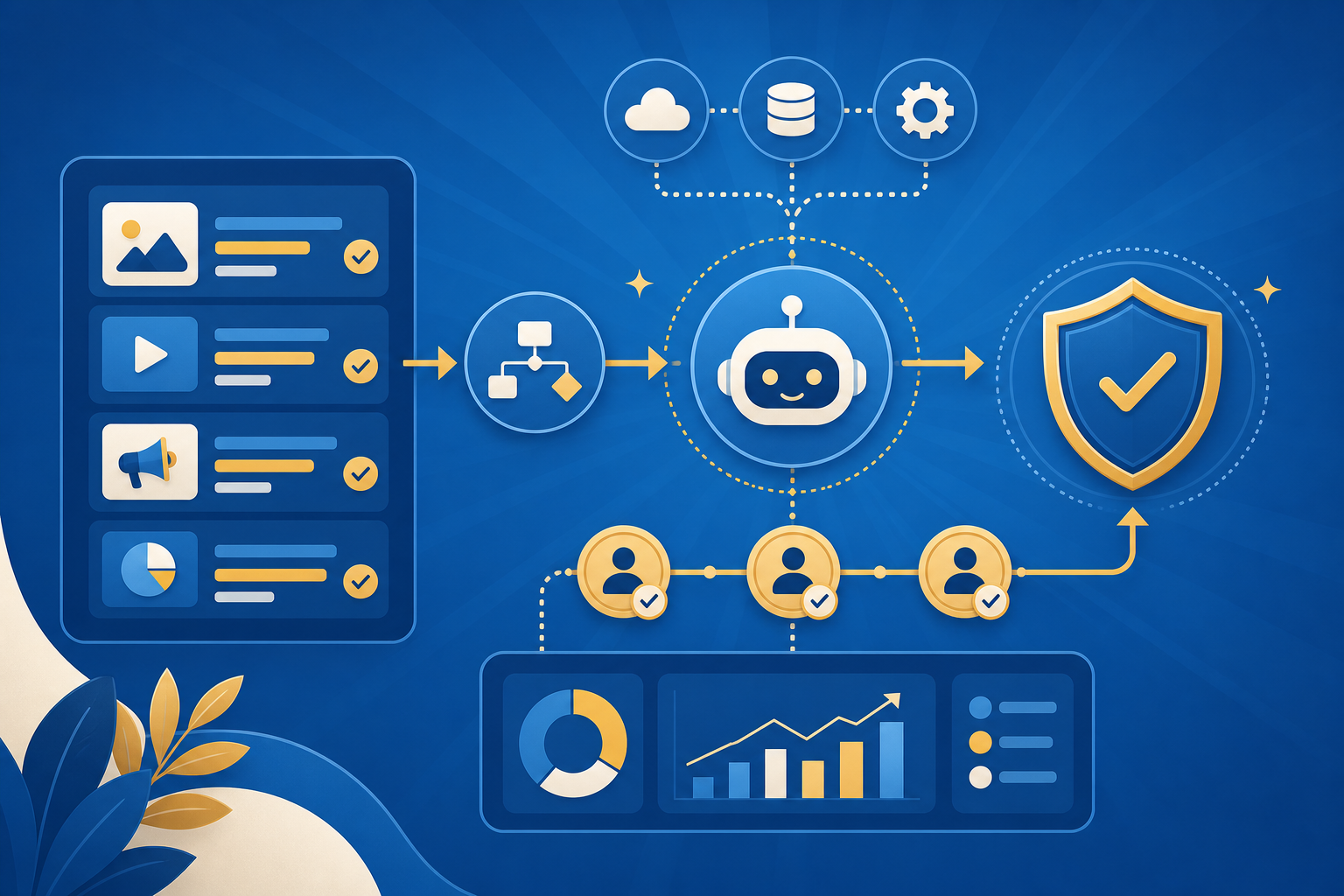
Write the process down as a sequence:
- input arrives
- AI creates a first draft or first classification
- a human reviews quality, risk, or tone
- approval or correction happens
- the result moves into the next workflow step
It sounds simple, but it prevents the most common mistake: AI gets introduced without a clean handoff model.
Step 3: Explicitly define what remains human
Most teams talk only about what AI will take over. It is just as important to define what remains human:
- final approvals
- prioritization
- risk assessment
- contextual judgment
- customer communication in sensitive cases
That clarity reduces resistance and gives people an anchor during change.
Step 4: Measure success through behavior change, not just time saved
Do not look only at “hours saved.” Also ask:
- Is the workflow actually being used?
- Are drafts getting better or just more frequent?
- Is correction work going down?
- Do people trust the output enough to include it in real work?
If usage and trust are missing, even a strong model will not create meaningful transformation.
Step 5: Expand only after one use case becomes reliable
Do not try to rebuild the full data estate, every department, and every team at once. A better path is:
- one focused pilot
- one documented learning loop
- one improved workflow
- then expansion into similar use cases
Operational tip: Companies that try to make the whole business “AI-ready” from day one often spend months on a roadmap before any real value appears.
4. Three practical examples from company workflows
Example 1: Marketing team with campaign workflows
A marketing team uses AI for first campaign briefs, hook variants, and research summaries. This only saves real time when it is clear who turns that rough draft into an approved asset.
Before: ideas and research are scattered across calls, docs, and browser tabs. After: AI delivers a first structured draft that the team can evaluate and refine faster.
Key lesson: The value does not come from the draft alone, but from a faster review process around it.
Example 2: Sales enablement with call summaries
A sales team uses AI to organize call notes, objections, and next steps. That sounds simple, but there is a catch: if accountability remains unclear, nobody trusts the summaries enough to actually rely on them.
Before: everyone documents follow-ups differently and key details get lost. After: AI creates a consistent proposal, a human reviews sensitive claims, and follow-up work becomes more standardized.
Key lesson: Standardization plus human review is often more valuable than full autonomy.
Example 3: Support or service with ticket triage
In support, AI can help sort incoming requests by topic, urgency, or standard case. That only saves time when escalation rules and error tolerance are clearly defined.
Before: all tickets enter the same queue and consume the same attention. After: AI suggests clusters, priorities, or draft responses, while critical cases intentionally remain with humans.
Key lesson: In customer-critical workflows, good governance matters more than maximum automation.
5. Common failure modes in AI transformation
Failure 1: Mistaking a tool rollout for transformation
Symptom: Lots of licenses, lots of demos, almost no process change. Cause: The company measures adoption of the tool, not adoption of a new behavior. Fix: Always define one real workflow with review and approval points.
Failure 2: Talking only about efficiency, not about responsibility
Symptom: Teams test AI, but nobody wants to approve sensitive outputs. Cause: Accountability was never clarified. Fix: Define who remains responsible for quality, risk, and approval in every use case.
Failure 3: Trying to change everything at once
Symptom: Big strategy decks, very little real usage. Cause: The scope is too broad and value arrives too late. Fix: Start with one narrow pilot, learn fast, then scale.
Failure 4: Never saying what remains human
Symptom: Resistance, mistrust, or quiet blocking behavior across the team. Cause: Change is framed only as automation. Fix: Explicitly name the ongoing role of judgment, communication, and responsibility.
Final takeaway: adoption first, scaling second
Introducing an AI tool is quick. Changing an organization so AI becomes productive, trusted, and governable is much harder.
That is why many AI initiatives do not fail first at the model level. They fail because there is too little clarity around processes, roles, trust, and accountability. Companies that build those four layers well have a real chance at transformation. Companies that only deploy tools usually end up with more surface, not more value.
Ask your AI tool / LLM / agent
If you want to introduce AI seriously, precise implementation questions help more than vague hype questions. Good starting points are:
- “Which single workflow in my team would be the best first AI pilot?”
- “Which steps in our process should AI prepare, and which steps should it never approve alone?”
- “What would a realistic review and governance loop for our AI use case look like?”
- “Which role in the team actually needs which kind of AI support?”