Last updated on June 8, 2026, 9:21 PM
AI video for product launches: Which tools actually work for teasers, launch clips, and social ads?
When you launch a product, you rarely need just one video. Most teams need a teaser for attention, several variants for paid social, and often a clip that makes the product understandable within seconds. That is where the tool question becomes practical.
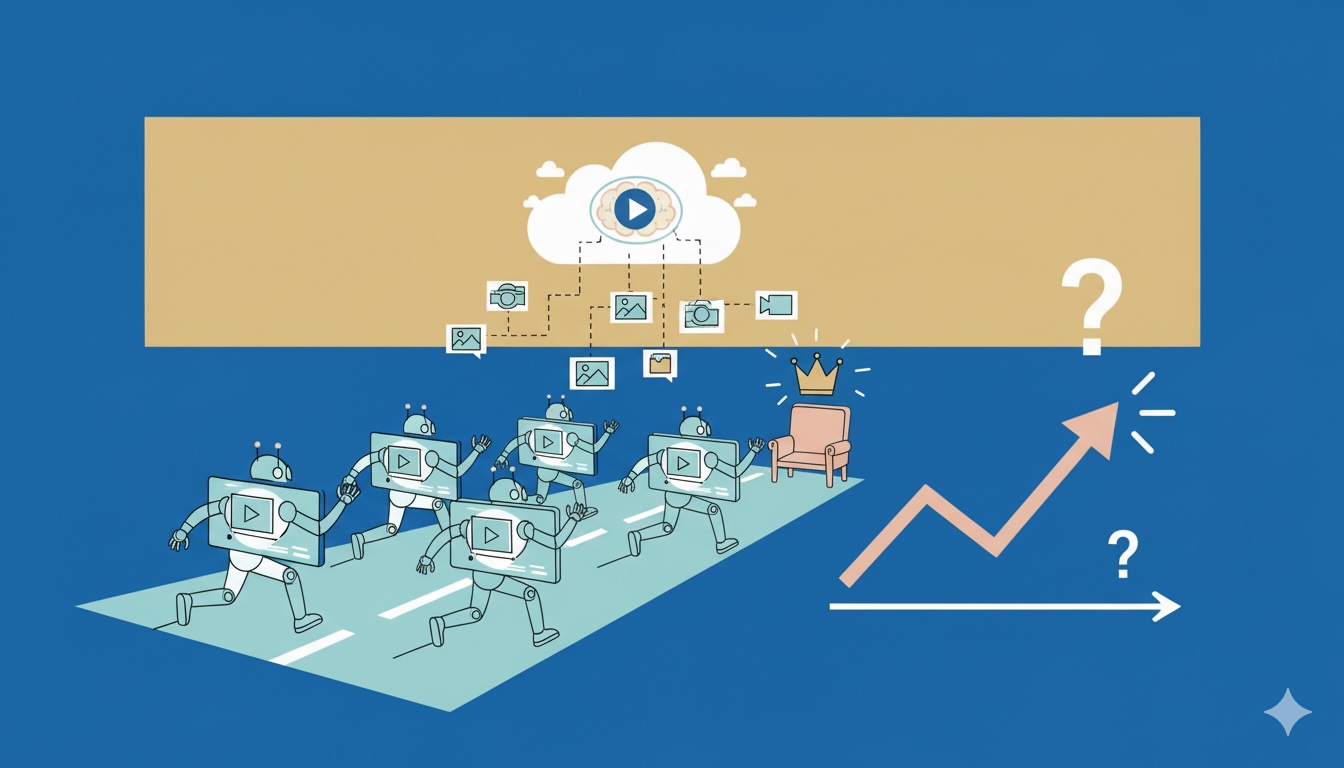
What matters is not which AI video tool gets the most hype, but which tool fits which launch moment. A cinematic teaser needs something different from UGC-style paid ads, and a SaaS product demo needs something different from a DTC social creative.
In practice, four directions are especially useful here: Runway, Creatify, Arcads, and Synthesia.
In this article …
- we explain why product launches need a different AI video workflow than generic social content
- compare four realistically usable tool types
- build a simple launch-sprint setup plan
- walk through three practical launch scenarios
- show where AI video genuinely saves time and where quality risks can appear quickly
Quick overview
- Why launch videos are a different job than generic AI content
- Four tool directions for real launch workflows
- A 5-step setup plan
- Three practical examples for teasers, ads, and product explainers
- Common failure modes in AI launch video
- Final recommendation: which tool fits which launch type?
1. Why launch videos are a different job than generic AI content
With product launches, it is not enough for a video to look visually appealing. It also has to do specific work:
- generate attention
- make the product understandable within seconds
- produce channel-specific variants
- adapt quickly to new offers, hooks, or creative angles
That is exactly why many AI video experiments fail. The team produces a pretty demo clip, but not a functioning launch workflow.
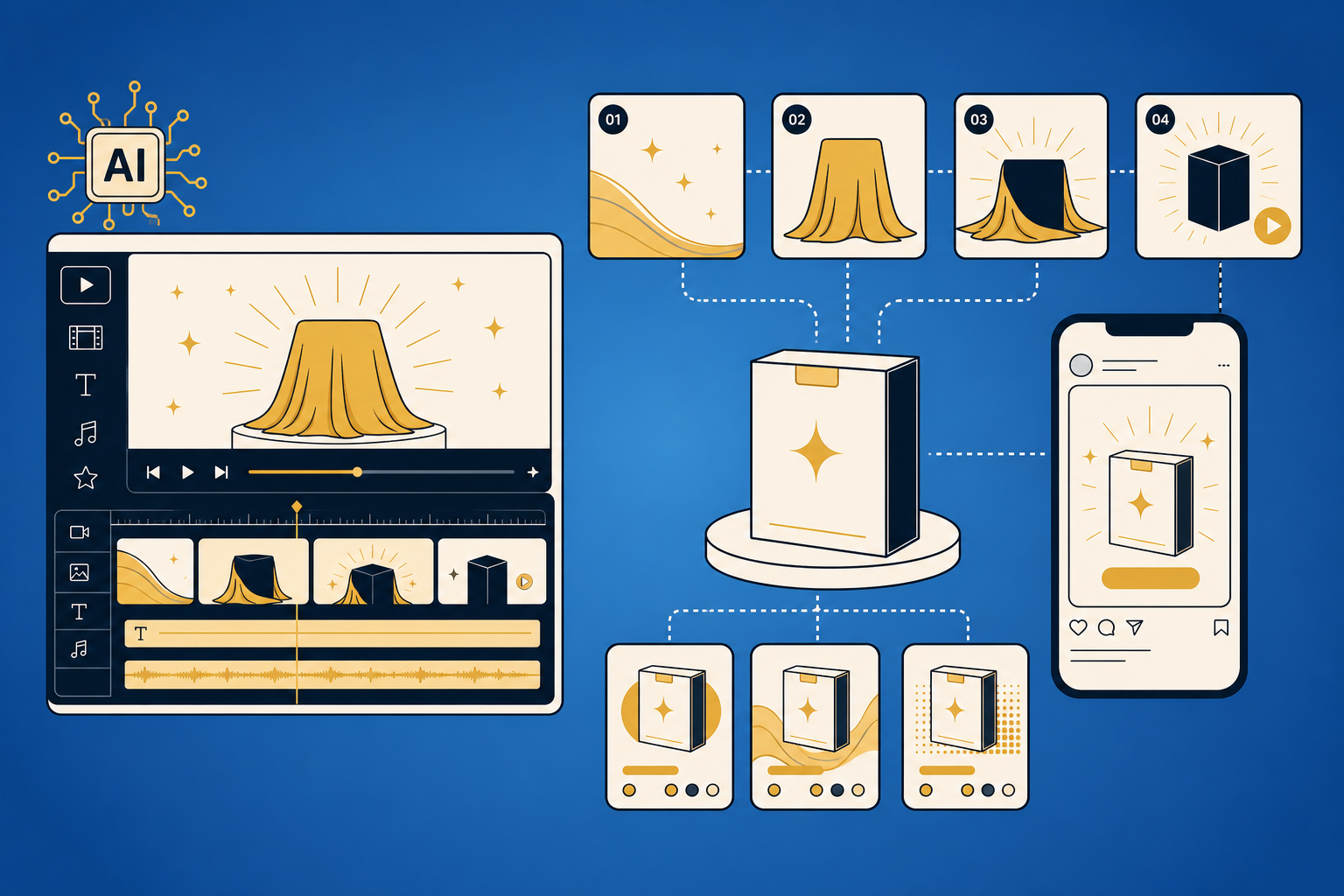
A useful launch stack usually needs three layers at once:
- a hero teaser for the first impression
- short variants for social and paid
- an explainer or demo format for the landing page, product page, or onboarding
Teams that hunt for one tool to do everything usually end up with mediocre results in all three areas.
2. Four tool directions for real launch workflows
Runway: strong for high-quality teasers and visual control
Runway becomes especially interesting when you do not want a simple avatar clip, but more control over look, timing, motion, and post-production. Its strength is less about “type a prompt and you are done” and more about combining generation with actual editing and visual refinement.
Good for:
- hero product teasers
- launch clips with a stronger brand look
- B-roll, motion, transitions, and finishing
- teams with at least some design or video intuition
Less good for:
- ultra-fast production with no operator in the loop
- teams that mainly need 20 ad variants quickly
Practical verdict: If the video needs to look like your brand instead of “AI made something,” Runway is often the better fit.
Creatify: strong for fast product ads and variant production
Creatify positions itself very clearly around AI image and video ads plus fast variant generation. That is exactly what makes it interesting for product launches. Not because it replaces a brand film, but because it helps in the next phase: turning product material, hooks, and formats into many testable assets quickly.
Good for:
- DTC and e-commerce launches
- fast paid-social creative variants
- performance marketing tests
- teams where speed matters more than cinematic polish
Less good for:
- visually precise brand films
- companies with extremely rigid visual systems
Practical verdict: Creatify is closer to an output machine than a film studio. In launch conditions, that can be exactly what you need.
Arcads: strong for UGC-style ads and creator-like delivery
Arcads positions itself very openly around the promise of creating winning ads with AI. The interesting part here is not polished product cinema, but UGC-style ad logic: quick creatives, creator-like delivery, hook testing, and lots of variations.
Good for:
- Meta and TikTok ads
- UGC-style product intros
- hook and angle testing
- launches where paid social should learn fast
Less good for:
- highly aesthetic brand films
- B2B product demos with heavy UI or process explanation
Practical verdict: If your launch learns through paid social instead of a single hero film, Arcads is often closer to operational reality than a highly polished cinematic generator.
Synthesia: strong for product explainers and structured messaging
Synthesia is positioned as an AI video platform for business, and that shows in the use case. It is less about the cinematic teaser and more about clear structure, understandable narration, and product explanation. For launches, that matters whenever you also need demo, sales enablement, or onboarding-style video.
Good for:
- SaaS and software launches
- explainer videos
- internal sales enablement clips
- landing-page or support-adjacent product videos
Less good for:
- emotionally charged teaser creatives
- highly stylized ad concepts
Practical verdict: Synthesia is not the most visually expressive launch tool, but it is often the most sensible one when a product needs explanation, not just attention.
3. A 5-step setup plan
If I had to prepare an AI-video-powered launch today, I would not start with tool hype. I would start with production logic.
Step 1: Break the launch into asset types
Decide what you actually need:
- 1 hero teaser
- 3-5 paid-social variants
- 1 product explainer
- optionally 1-2 retargeting variants
Step 2: Choose one primary tool per asset type
Do not use every tool everywhere. For example:
- Runway for the teaser
- Creatify or Arcads for ad variants
- Synthesia for demo and explanation
That reduces unnecessary tool complexity and saves render and review time.
Step 3: Lock hook, offer, and CTA before production
The most common failure is not “bad model quality.” It is unclear messaging. Before the first clip is made, define:
- what is the hook?
- who is the product for?
- what is the core promise?
- what should viewers do next?
Step 4: Test rough ideas first, then polish winners
Do not build the final polished version first. Start by testing 3-5 messaging angles. Then refine the winners. For paid social in particular, this is usually much more efficient.
Step 5: Build a review loop for quality control
Check every clip before publishing for:
- broken hands, products, or interfaces
- unclear brand identity
- generic stock-looking aesthetics
- awkward voice delivery or wording
- CTA, pricing, or offer mistakes
4. Three practical launch examples
Example 1: DTC product launch focused on paid social
A new consumer product needs many fast creative variants for Meta and TikTok. In that case, it is usually more important to test hooks and creative angles than to produce one perfect film.
Useful stack:
- Creatify or Arcads for many variants
- a simple static or lightly animated hero visual for the landing page and store
Before: one big polished spot that is slow to iterate. After: multiple testable creatives with clear hypotheses.
Example 2: SaaS launch with demo and explainer needs
With software, a beautiful teaser is rarely enough. Prospects want to see what the product looks like, what the benefit is, and how quickly they can understand the core value.
Useful stack:
- Runway for an attention-grabbing teaser
- Synthesia for a clear explainer or sales video
Pro tip: do not overload the hero clip with every feature. Let the explainer video handle actual understanding.
Example 3: Brand launch with a higher visual bar
If the brand has a strong visual identity, a fast AI ad builder is often not enough. Then the real question becomes whether light, rhythm, typography, and product framing all feel believable together.
Useful stack:
- Runway for look, motion, and post-production
- Creatify or Arcads later for paid variants once the main visual direction is locked
5. Common failure modes in AI launch video
Failure 1: Choosing tools by hype instead of by job
Symptom: the team gets excited about a new video tool, but the output does not fit the channel. Cause: the question was “what is new?” instead of “what asset do we actually need?” Fix: define the asset type and channel first, then pick the tool.
Failure 2: Going for perfection too early
Symptom: hours of visual fine-tuning before anyone knows which hook converts. Cause: creative production starts before messaging validation. Fix: test angles first, then polish the winners.
Failure 3: Not reviewing the AI look hard enough
Symptom: the video is technically fine, but still feels cheap, generic, or off-brand. Cause: nobody reviews it from a brand perspective. Fix: do a short final pass on branding, readability, product clarity, and CTA before going live.
Final recommendation: which tool fits which launch type?
The short version looks like this:
- Runway for higher-quality teasers and stronger visual control
- Creatify for fast product ads and rapid variant production
- Arcads for UGC-style paid social and hook testing
- Synthesia for demos, explainers, and enablement videos
That is why “best AI video tool” is usually the wrong search query. Product launches are won less by one single tool and more by a clean workflow across asset types, testing logic, and review discipline.
Ask your AI tool / LLM / agent
If you are preparing a product launch, your agent can do more than write prompts. Useful questions include:
- “Which video assets do I actually need for this launch, and which ones can I skip?”
- “Should I lead with UGC-style ads, demo videos, or cinematic teasers for this product?”
- “What would a sensible AI video workflow look like for my store, SaaS, or event launch?”
- “Which three hooks should I test first as social-ad variants?”