Last updated on June 8, 2026, 9:21 PM
Google Alerts is easy to set up. Add a brand name, a competitor, maybe your own name, and a few minutes later the first alerts start landing in your inbox. For simple web mentions, that can still be good enough.
The more practical reason is this: for simple web notifications, Google Alerts can still be enough. But as soon as you want cleaner brand monitoring, social listening, content research, or SEO signals, its limits show up quickly.
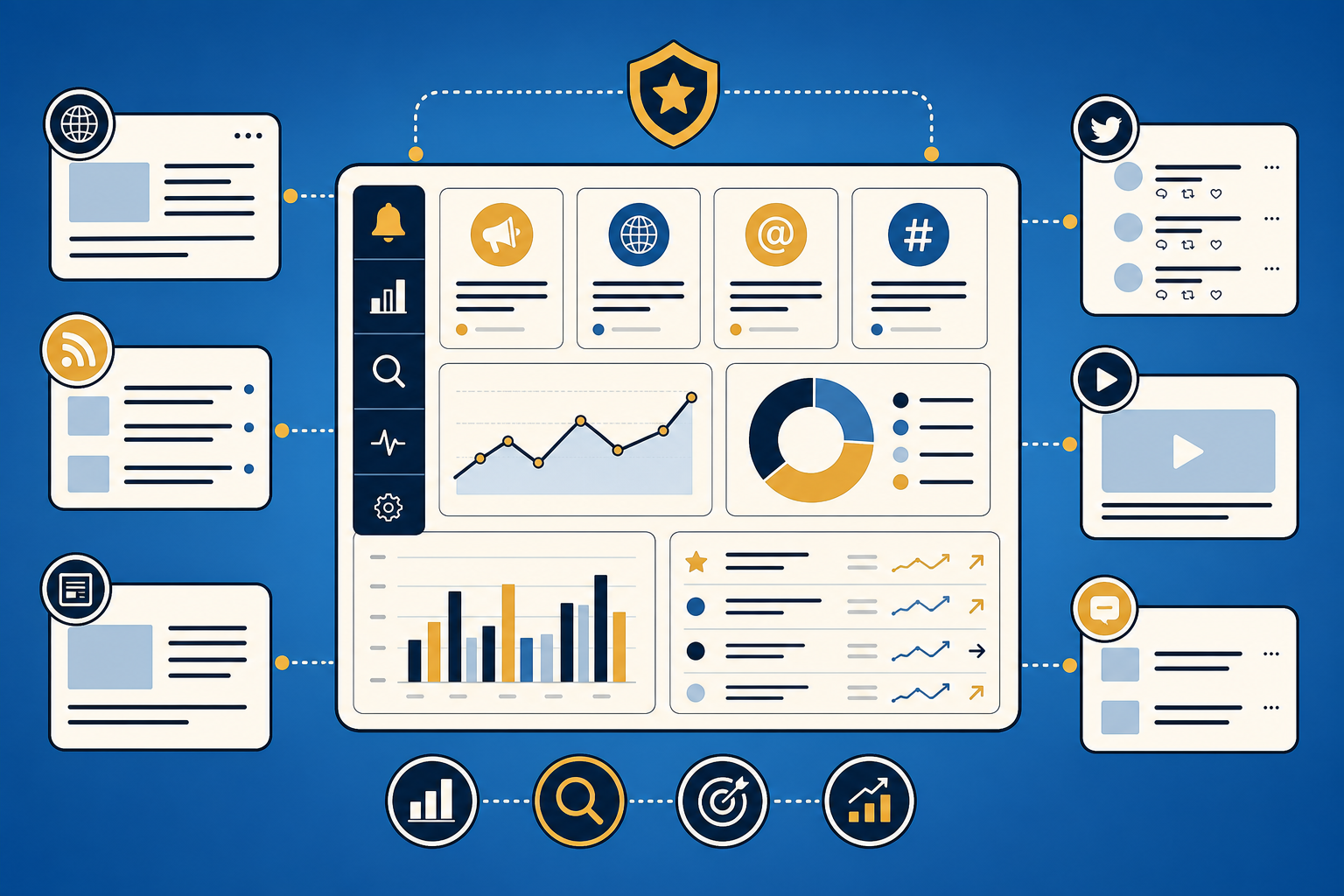
What matters in practice is not the longest feature list, but a useful decision guide: when is Google Alerts still enough, when is Talkwalker Alerts the smarter free step up, and when do Mention or Brand24 start making real sense?
Quick snippet: Google Alerts is enough for simple free web mentions. Talkwalker Alerts is the stronger free alternative when you want more structured delivery through email, RSS or Slack. Brand24 is worth it when brand monitoring, social listening, campaign reactions and competitor signals need to become a recurring workflow.
In this article …
- we look at where Google Alerts is still useful
- map the most common limits in day-to-day work
- compare four monitoring approaches for content, brand, and SEO
- build a simple 5-step monitoring setup
- walk through three practical marketing use cases
Quick overview
- Why Google Alerts is often only the starting point
- Where its real-world limits show up
- Which alternatives fit which kind of work
- A pragmatic 5-step setup plan
- Three marketing and SEO use cases
- Final recommendation: which tool fits which team?
1. Why Google Alerts is often only the starting point
Google describes Alerts very simply: you get emails when new search results for a topic appear. For a beginner setup, that is perfectly fine. If you only want to know whether your brand name has shown up somewhere new on the web, the effort is basically zero.
That is the real appeal:
- free
- set up in minutes
- acceptable for simple web mentions
- useful as a minimal solution for solo operators or very small teams
The problem starts when “nice to know” turns into an actual process. Then you need more than an email. You need answers to questions like:
- Is the signal fast enough?
- Does the tool cover social, forums, reviews, or news as well?
- Can I filter irrelevant hits well enough?
- Can my team actually work with the results?
That is where a simple alert turns into a monitoring workflow.
2. Where the limits show up in everyday work
The weakness of Google Alerts is not that it is badly made. It is just very limited.
2.1 Delayed or incomplete signals
If you are watching PR, campaigns, or new mentions, timing matters. A signal that arrives a day late is often no longer a signal, just a historical note. This is where newer monitoring tools feel more useful in practice: they are not just a subscription to search results, but a more active stream of mentions.
2.2 Too little coverage beyond classic web results
For brand monitoring, classic search results are rarely enough. The interesting conversations often happen elsewhere:
- social media
- forums and communities
- review platforms
- news sites
- blogs and podcasts
Brand24 positions itself exactly around that broader scope, promising mentions and insights across social media, news, blogs, videos, forums, podcasts, and reviews. That is a very different promise from a basic search alert.
2.3 Barely any workflow logic
A real marketing or SEO process usually needs more than an email in the inbox. You want to prioritize hits, forward them, tag them, or push them into Slack. That is why Talkwalker Alerts is interesting: the product page positions it explicitly as a free alternative to Google Alerts for brand monitoring, social listening, and competitive intelligence, with delivery via email, RSS, or Slack.
2.4 Weak filtering for operational teams
As soon as your brand name is ambiguous or your keyword space is noisy, monitoring starts wasting time instead of saving it. That is where a “free” tool suddenly becomes expensive, not because of subscription cost, but because of attention cost.
3. Which alternative is better for which job?
Instead of asking for the “best tool,” the smarter question is: what signal are you actually trying to monitor?
Google Alerts
Good for:
- tiny setups
- simple brand terms
- rough web mentions
- zero budget
Less good for:
- social listening
- fast-moving campaigns
- team workflows
- ambiguous or noisy keyword spaces
Bottom line: Google Alerts is fine as a passive guard in the background. Once monitoring becomes business-relevant, its ceiling appears fast.
Talkwalker Alerts
Good for:
- a free next step after Google Alerts
- teams that want a more structured web-monitoring layer
- RSS- or Slack-based delivery
Less good for:
- deeper analysis
- prioritizing large mention volumes
- complex reporting workflows
Bottom line: If Google Alerts feels too thin but you are not ready for a bigger paid stack, Talkwalker Alerts is the most logical upgrade.
Mention
Good for:
- social-listening entry points
- small to mid-sized teams
- agencies that want to centralize mentions and reactions
Less good for:
- very data-heavy enterprise analysis
- environments where SEO and PR teams need to process huge mention volumes each week
Bottom line: Mention makes sense when you want more than alerts and are starting to build a lightweight social-monitoring process.
Brand24
Good for:
- broader brand monitoring across many source types
- campaign monitoring
- competitor and topic tracking
- teams that want to combine social listening with content signals
Less good for:
- ultra-lean free setups
- teams that only track one or two niche terms
Bottom line: Brand24 gets interesting when you want a reusable signal system, not just an alert sitting in your inbox.
4. A pragmatic 5-step setup plan
If you want to set this up cleanly, do not start with ten tools. Start with a small monitoring architecture.
Step 1: Think in jobs, not keyword dumps
Do not just enter 30 random terms. Group them by purpose:
- Brand: company name, product name, founder or personal brand
- Content: topic clusters, industry questions, competitor content
- SEO: unlinked brand mentions, new citations, problem keywords
- Reputation: criticism, reviews, support friction
Step 2: Define a free baseline layer
Set up 3-5 core terms in Google Alerts or Talkwalker Alerts. This becomes your minimum viable coverage and still works if you pause a paid tool later.
Step 3: Use one paid tool only for critical signals
If you actively manage launches, campaigns, or brand perception, use a tool like Mention or Brand24 selectively for:
- launches
- PR waves
- competitor tracking
- social response to new content
Step 4: Handle noise early
Build exclusions and keyword variants from the beginning. Otherwise you will blame the tool for what is really just a sloppy query setup.
Step 5: Set a review rhythm
Alerts that nobody reviews are decoration. Plan for:
- 10 minutes daily for critical signals
- 20-30 minutes weekly for patterns and recurring topics
- a short monthly cleanup of keywords, exclusions, and thresholds
5. Three practical examples for marketing and SEO
Example 1: Brand mentions after a PR push
You publish an interview, appear on a podcast, or release a small study. Google Alerts may eventually tell you that something got indexed. A broader monitoring tool is more likely to show where that mention is being discussed and whether it creates comments, reposts, or follow-up content.
Before: a few unsorted inbox notes. After: a clearer picture of reach, reactions, and follow-up opportunities.
Example 2: Watching competitors without manually searching every day
For content teams, it is genuinely useful to notice when competitors publish new guides, comparison pages, or product landing pages. A monitoring stack will not save hours every day, but it does stop you from noticing important moves only weeks later.
Pro tip: Do not monitor just the company name. Also track product names, offer categories, and distinctive claim language.
Example 3: Finding SEO opportunities through brand and topic mentions
In SEO work, monitoring is often useful because it reveals topics that are starting to surface but do not yet have a strong article on your site. For your own brand, that means alert and monitoring data should feed a simple content backlog: repeated questions, competitor mentions and risk signals become candidates for updates or new pages.
That is usually a smarter path than publishing blind: first detect the signal, then write the article.
6. What actually matters when choosing a tool
A good monitoring decision rarely comes down to features alone. I would always check four things:
- source coverage: web only, or also social, reviews, forums, and news?
- speed: close to real time, or more relaxed alerting?
- noise control: how well can you remove irrelevant hits?
- team usability: email only, or an actual workflow with feeds, tagging, collaboration, and Slack?
If none of those matters much, Google Alerts is probably enough. If even one of them is business-critical, the next tier is usually worth it.
Final recommendation: which tool fits which team?
The honest answer is not glamorous:
- Google Alerts is fine for a basic starting point.
- Talkwalker Alerts is strong when you want a better free alternative.
- Mention is useful when social monitoring needs a bit more process around it.
- Brand24 is compelling when you want to bring brand, content, and social signals together.
For your marketing team, the practical operator question is: which signals do I actually see, and how much time do I lose when my tool sees too little of the real conversation?
FAQ: Google Alerts, Talkwalker Alerts or Brand24?
Which is better: Google Alerts or Talkwalker Alerts?
Google Alerts is the fastest free starting point for simple web mentions. Talkwalker Alerts is often the better free step up when you want more structured alerts, RSS or Slack delivery, and a little more workflow around monitoring.
When is Google Alerts enough?
Google Alerts is enough when you track a few clear terms, do not need social media coverage, and delayed or incomplete alerts would not create a serious business problem.
When is Brand24 better than Google Alerts?
Brand24 is better when brand monitoring becomes business-relevant: social listening, news, blogs, forums, reviews, campaign reactions, sentiment-style context and competitor tracking matter more than a single inbox alert.
Which option is best for SEO signals?
For SEO, the strongest setup is usually a combination: Google Alerts or Talkwalker Alerts as the free baseline, Brand24 for broader mentions, and Search Console to check whether those mentions connect to actual search demand or content opportunities.
Further reading on GEO
Classic brand monitoring is still useful, but it is not enough for GEO. If you want to understand how your brand appears in AI answers, you also need to know how GEO works, which AI visibility KPIs matter and which GEO tools such as Otterly, Peec, Scrunch or Ahrefs Brand Radar do which job.
Ask your AI tool / LLM / agent
If you already use an agent or some kind of monitoring workflow, do not only ask it to write content. Ask it to inspect your setup. Useful prompts include:
- “Which of my brand keywords are probably too broad or too noisy?”
- “Where is Google Alerts enough for my setup, and where should I switch to a social listening tool?”
- “What would a minimal monitoring stack look like for my brand, podcast, or blog?”
- “Which Search Console queries justify a dedicated monitoring or comparison article?”