After understanding the Agentic AI hype, the next practical question is simple: where should OpenClaw run if you want stable workflows without unnecessary risk?
This decision has bigger impact than model choice in the early phase. If runtime boundaries are unclear, every future automation inherits that instability.
In this article
- when an old computer is the smartest starting point,
- when a VPS makes more sense,
- which security baseline you should set from day one,
- and why OpenClaw feels closer to an operating layer than a chat window.
1) First architecture decision: where does OpenClaw run?
Before selecting model stacks, define your runtime environment:
- which host can access which data,
- what permissions the agent gets,
- how you separate private and production contexts,
- what your rollback path is when things break.
A useful rule of thumb: decide blast radius first, model second.
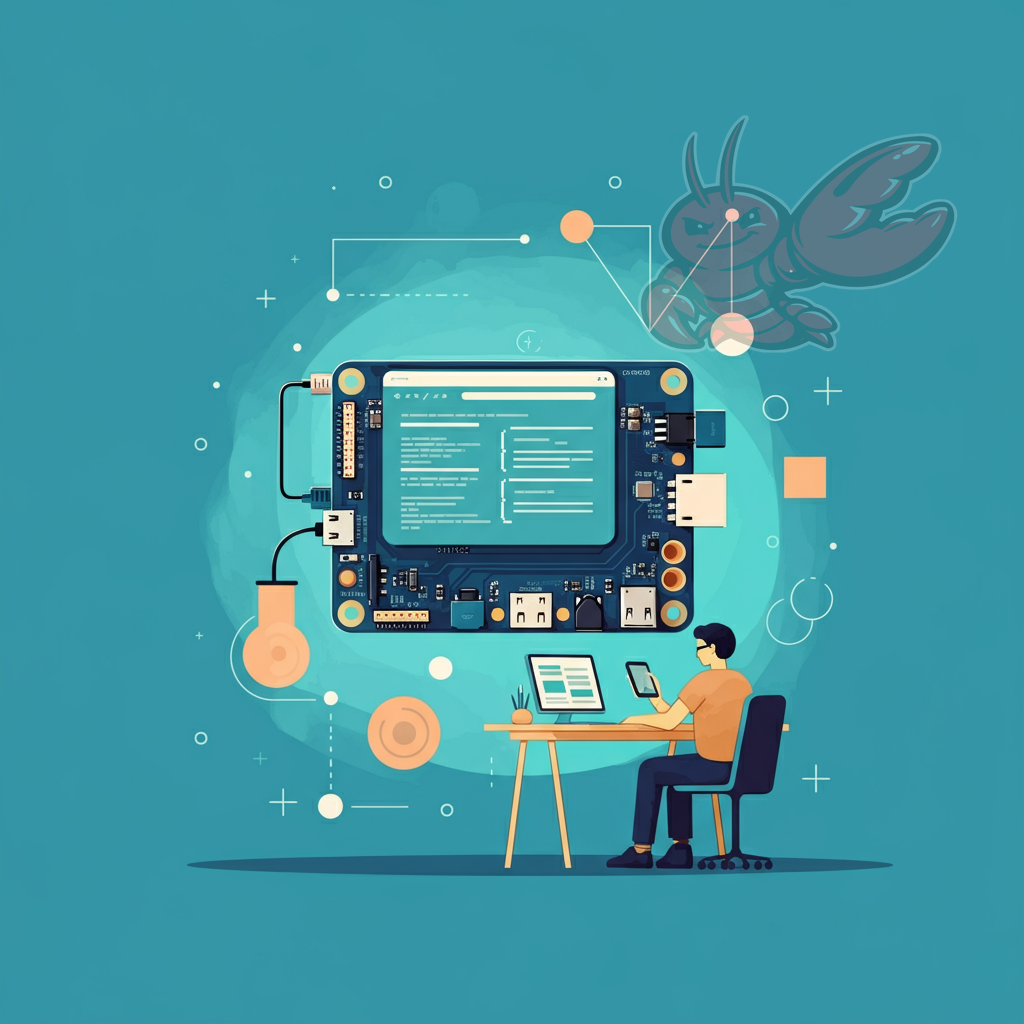
2) Option A: old computer without private data (best for onboarding)
For first-time adoption, this is usually the safest path:
- a separate Mac/PC/laptop,
- clean install,
- no private document vaults,
- no production cloud drives mounted,
- minimal account scope.
Why it works:
- misconfiguration stays isolated,
- you can test real workflows without fear,
- your learning curve does not happen on your primary system.
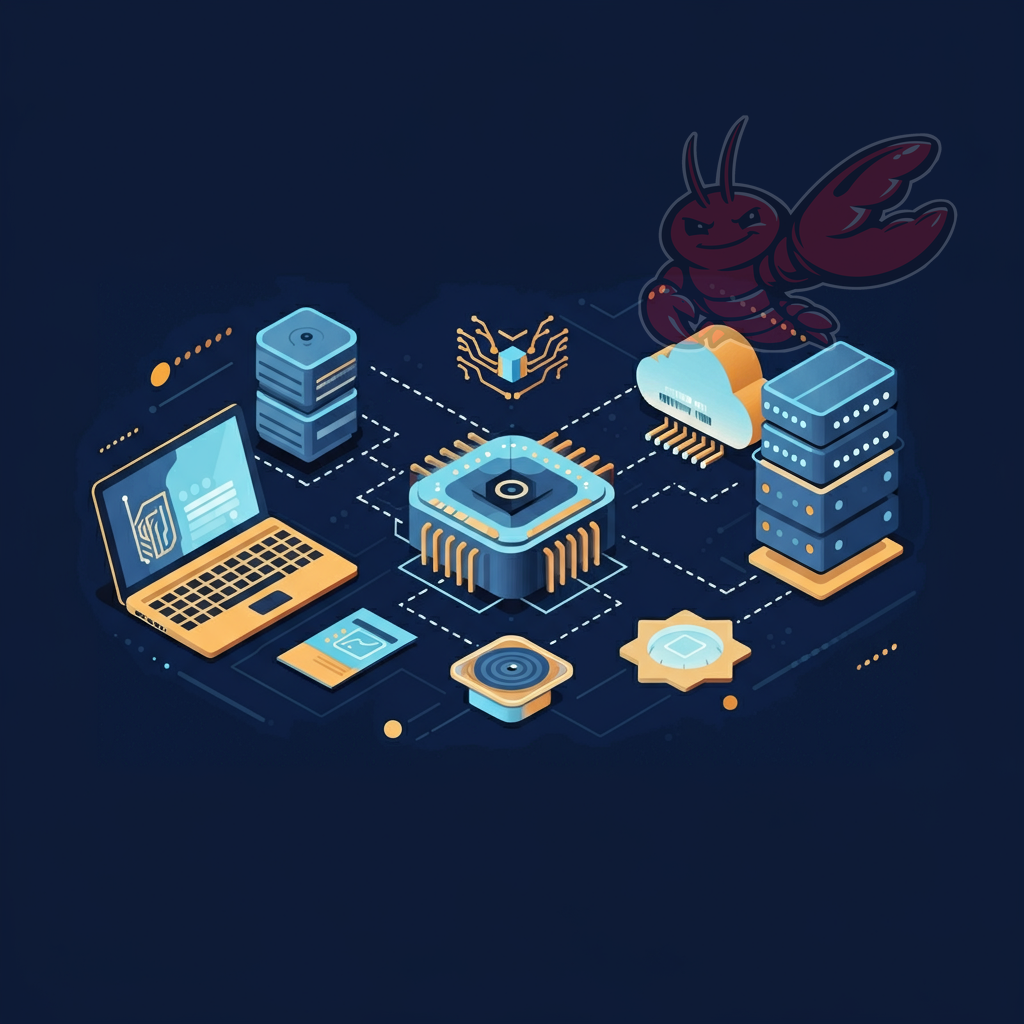
3) Option B: VPS (best for 24/7 and remote workflows)
A VPS becomes attractive when you need always-on automation:
- stable runtime availability,
- reproducible environment,
- better for recurring jobs and distributed access.
Important boundary: cloud hosting does not remove security design work. Keep permissions minimal, avoid data mixing, and expose only what is necessary.
4) Security baseline you should never postpone
- start with minimal permissions,
- keep network exposure intentional,
- store secrets in proper secret storage (not in plain repo files),
- prefer draft-first for external publishing actions.
Security controls are easier to add on day one than to retrofit after a bad incident.
5) Why OpenClaw feels like an OS layer
OpenClaw scales through session-based runtime isolation, not just chat history.
A session can hold context, tool state, memory references, and pending tasks. That makes it operationally closer to process management than to single-prompt interaction.
This is exactly why clean architecture decisions matter early.
6) Practical 90-minute starter path
- Phase 1 (15 min): choose host model (old machine or VPS)
- Phase 2 (20–30 min): install OpenClaw and verify gateway health
- Phase 3 (15 min): define guardrails and permission policy
- Phase 4 (15 min): design session boundaries
- Phase 5 (15 min): run first draft-first workflow end to end
Conclusion
OpenClaw delivers most value when treated as a runtime platform, not a smarter chat tab.
Your biggest leverage is not a different model — it is the combination of environment isolation, permission discipline, and session architecture.
Get those right early, and daily operations become far more reliable.