Why personalization is becoming increasingly important at ChatGPT
Artificial intelligence is no longer just a practical tool, but a daily companion in work and private life. ChatGPT in particular has gained popularity in recent months. But as versatile as the tool is, users benefit most when they personalize ChatGPT to their own needs. There are numerous options for this in the Plus and Enterprise versions of ChatGPT. But which ones exactly, where can you find them and how do you set the perfect personalization?
In this article you will learn everything about the personalization options, their advantages and see three practical examples from the everyday life of companies and individuals. Perfect for using ChatGPT more efficiently, more relevantly and simply smarter.
What does personalization mean at ChatGPT?
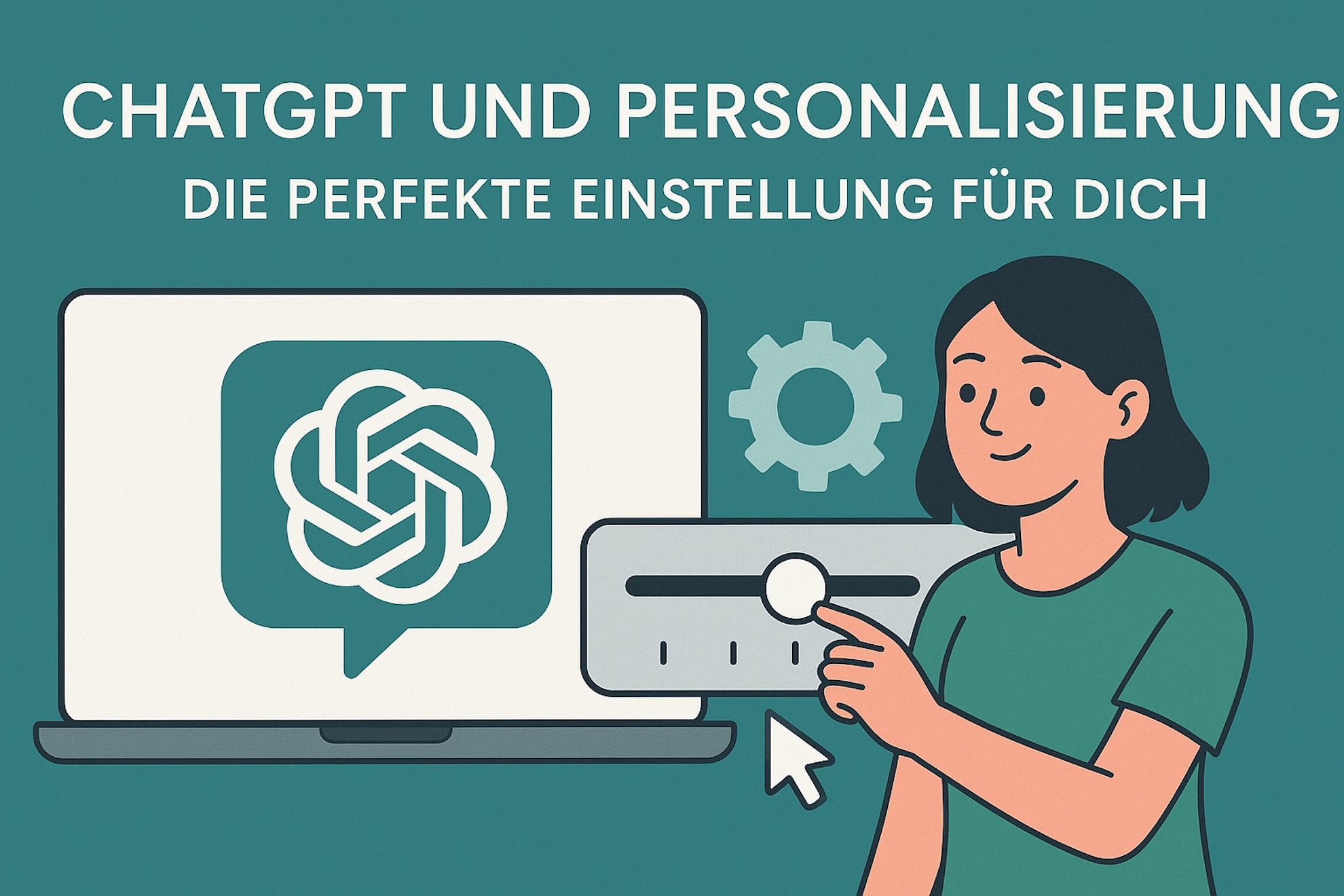
Personalization means that ChatGPT does not respond completely neutrally to every request, but rather takes your specific requirements, interests and communication patterns into account. This creates an individual assistant that keeps an eye on your tone of voice, your goals and your typical use cases. OpenAI enables this in the ChatGPT Plus and Enterprise versions through special settings such as custom instructions, saved preferences and knowledge integrations.
Where can I find the personalization settings?
- Profile area: There is the “Own instructions” tab where you can set preferences for your preferred answer form and background information.
- Chat Settings: In the menu you choose whether you want ChatGPT to remember your style or preferences.
- Enterprise Admin Panel: For larger teams, it allows you to store company-wide settings. This means entire teams can benefit from consistent personalization.
The benefits of personalized use
- Efficiency: Less explanation needed because ChatGPT already knows your preferred style.
- Consistency: Consistent communication in emails, reports and social media posts.
- Relevance: Answers are more tailored to your individual goals and topics.
- Productivity: Get faster results by automatically resonating with your context.
Practical examples of personalized settings in ChatGPT
1. Content creation in the marketing team
A medium-sized company uses ChatGPT Enterprise to create content for blogs, newsletters and LinkedIn posts. The team admins store a brand voice statement in the enterprise panel: professional, understandable and solution-oriented. This saves every team member time because the assistant automatically hits the brand tone - without having to explain everything again every time.
2. Scientific writing style for students and researchers
A student specifies in the “Own Instructions” that ChatGPT should preferably provide source information according to the APA standard and respond in a factual, academic style. This means she receives results for every query that can be immediately integrated into term papers or research documents. This not only saves time, but also reduces the risk of formatting errors.
3. Customer communication for a support team
An online shop uses ChatGPT Plus to provide customer support. The personalization settings specify that ChatGPT always responds in a friendly, solution-oriented manner and in the “you” address. Thanks to this specification, usable response templates are created that offer customers a consistent brand experience.
Tips for perfect ChatGPT personalization
- Clarity: Formulate your instructions precisely (e.g. “Answer in 3-4 sentences and in a factual, humorous tone”).
- Iterative fine-tuning: Test different variants and optimize until you find the balance between depth of detail and naturalness.
- Use of long-term memory: In the Enterprise version it makes sense to permanently save recurring preferences.
- Note data protection: Sensitive data should never be stored unsecured, especially in a team context. Check the official OpenAI guidelines on this.
Current trends and outlook
Personalization in AI tools is still in its early stages. According to a study by McKinsey, 71% of companies are already successfully personalizing their customer experiences. The trend shows: the more individually a tool like ChatGPT works, the greater the productivity gains and acceptance. Personalization is becoming a competitive factor, particularly in areas such as marketing, support and knowledge work.
OpenAI itself is also investing: new updates to the ChatGPT Plus and Enterprise versions place an increasing focus on personalized experiences, including integration of company databases and collaboration tools. Experts expect that hybrid models in which personalization and automation go hand in hand will become established in the next few years.
Conclusion: Your path to optimally personalized work with ChatGPT
The personalization capabilities in ChatGPT represent a tremendous opportunity to realize the full potential of AI. Whether you are an individual, a student, a freelancer or a company: by making the right settings, you not only save time, but also receive answers that are significantly more relevant, consistent and efficient. Whether it’s marketing content, coursework or customer support – ChatGPT can be tailored to your requirements. Use the personalization functions consciously and develop your own “perfect” AI support step by step.
Further sources
With targeted personalization, ChatGPT becomes not just an assistant, but a real sparring partner - whether in business or in everyday life.
You can find out how best to work with ChatGPT5 and what tips we have here.