Last updated: 2026-07-30
When marketing automation becomes business-critical, “one tool connects two apps” is often not enough. Teams want to see what happened, test webhooks, export workflows, inspect logs, reproduce failures, and avoid sending sensitive data into unnecessary black boxes.
That is where n8n becomes interesting. n8n combines visual workflows with technical access, self-hosting options, and AI components. The Agent node can make decisions, call tools, run intermediate steps, and work with memory or context. For marketing and operations teams, this means you can build agents that do more than write text. They can control real processes with significantly more visibility than many pure SaaS automations.
In this article
This article explains how to use n8n AI Agents for self-hosted marketing automation: with clear boundaries, useful logs, test webhooks, workflow exports, and human approvals.
Content overview
- What n8n AI Agents do inside workflows
- When self-hosting makes sense for marketing
- A six-step setup plan
- Practice examples for marketing and operations
- Concrete commands and operator tips
- Before/After: control instead of blind automation trust
- Questions to ask your AI tool, LLM, or agent system
1. What n8n AI Agents do in practice
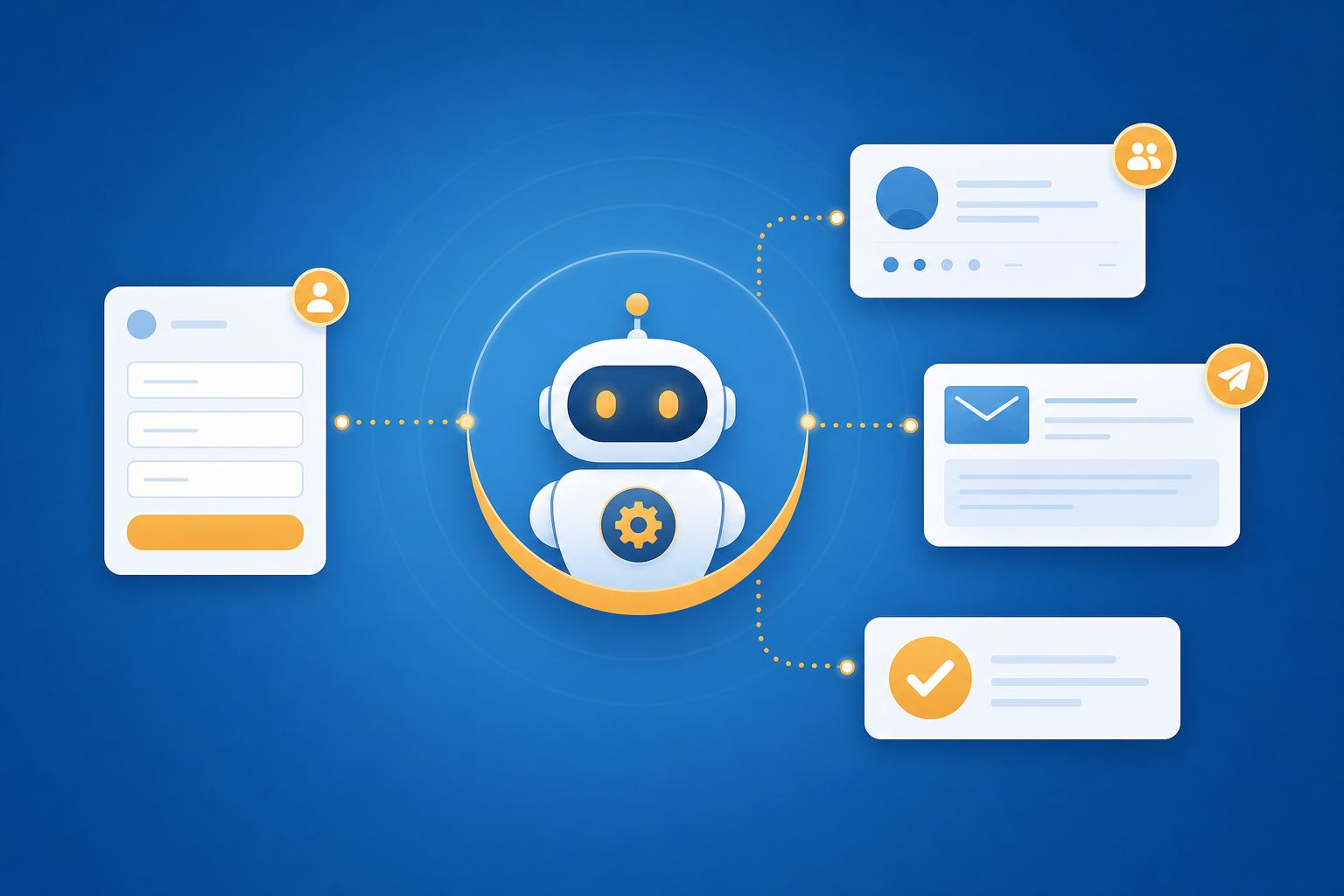
In n8n, an agent is not an isolated chatbot. It is part of a workflow. According to n8n’s AI documentation, an agent can work with tools and use a language model to decide which action to take next. A workflow containing an agent may run through several internal steps: setup, tool call, evaluation, response.
That matters because marketing processes rarely consist of a single step. A campaign request may need data from a form, CRM, product database, and content plan. An agent can decide which source is relevant instead of blindly calling every step in a fixed sequence.
The difference from a normal workflow is this: a classic workflow follows predefined paths. An agent can decide within boundaries. That freedom is useful, but it requires observability. You need to see which tools were used, which data influenced the decision, and where the process got stuck.
2. When self-hosting makes sense
Self-hosted n8n is not necessary for every team. If you only need three simple SaaS automations, a fully hosted tool may be faster. Self-hosting becomes interesting when you need control:
- sensitive lead or customer data
- internal databases or private APIs
- complex webhook flows
- detailed logs and debugging
- workflow backups as JSON
- separate test and production environments
- custom approval and governance rules
For marketing teams, this matters when agents touch CRM, ads, analytics, or content systems. An agent that writes bad data into a segment or triggers a campaign incorrectly can create more work than it saves.
3. Setup plan: build an n8n Agent safely
Step 1: Choose a process, not a demo.
Start with a concrete process: “Evaluate new partner requests and route them to the right channel” is better than “test an AI agent.”
Step 2: Define the trigger.
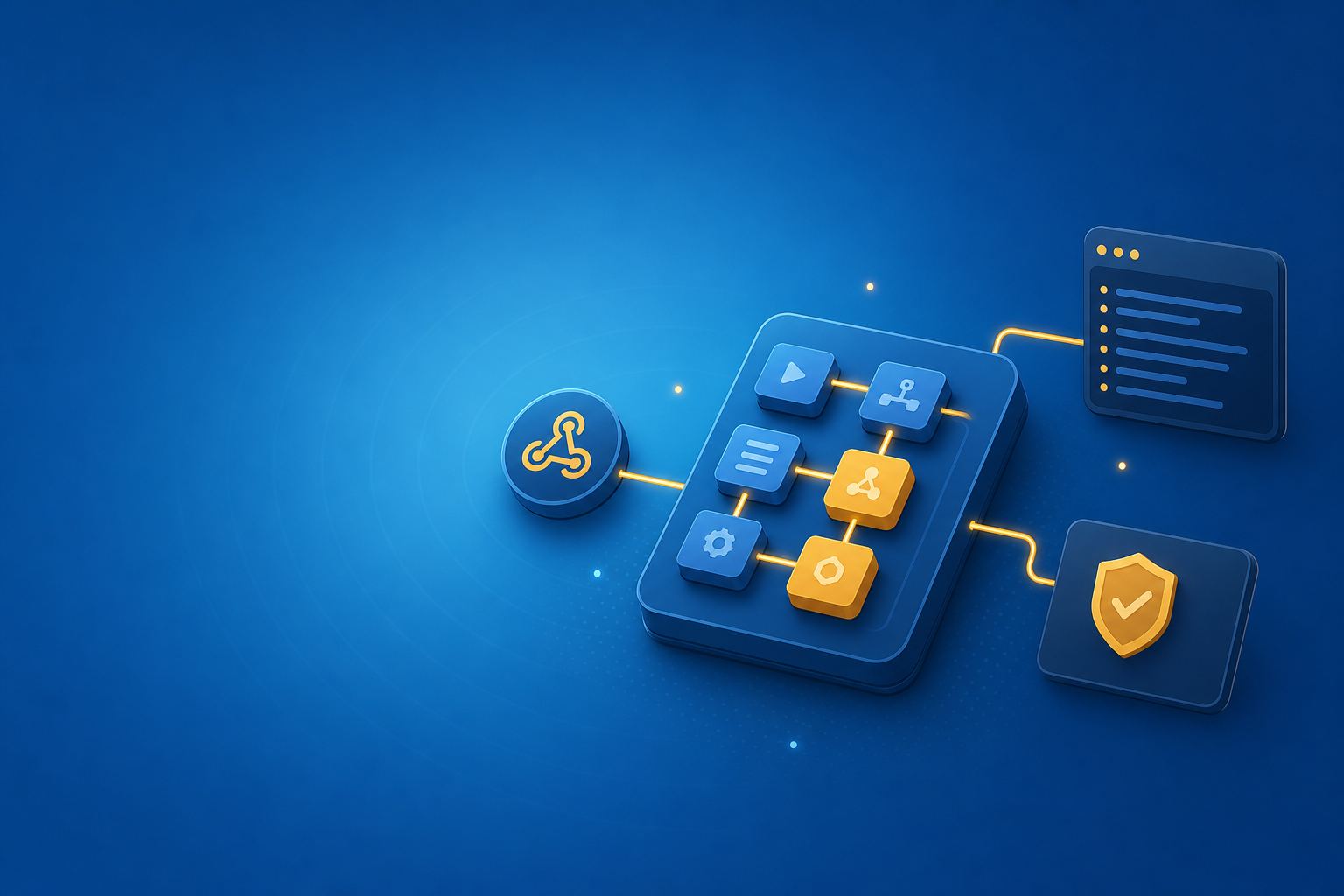
Use a webhook, form event, CRM trigger, or schedule. For the first version, a webhook is useful because you can send controlled test data.
Step 3: Limit the Agent node.
Give the agent only the tools it needs: read CRM, write to a spreadsheet, post to Slack, create a content brief. Avoid global admin access.
Step 4: Add human approval.
Let the agent first create recommendations, drafts, or internal notes. Critical steps such as sending emails, changing segment membership, or affecting ads budget should require manual confirmation.
Step 5: Separate test and production paths.
Use test webhooks, dummy data, and clear naming conventions. A workflow named prod-lead-triage-agent should never be accidentally fed with test data.
Step 6: Verify exports, logs, and restore.
An agent workflow is only operationally safe if you can export it, inspect it, and restore it after a bad change.
4. Practice examples for marketing teams
Example 1: Lead triage with webhook and CRM
A form sends data to an n8n webhook. The agent checks request text, company size, industry, and buying signal. It writes an internal CRM note and posts a recommendation in Slack: “High intent, demo requested, DACH, sales should follow up within 4 hours.”
Example 2: Content operations agent for briefs
The agent receives a topic, audience, and product context. It uses tools to retrieve existing URLs, notes, and campaign information. Then it creates a brief with angle, structure, CTA, and open questions for product marketing.
Example 3: Campaign QA before launch
Before a campaign goes live, the agent checks UTM parameters, landing page URL, target region, budget note, and approval status. It does not automatically block the workflow. It creates a QA list: “UTM missing on ad 3,” “landing page contains old claim,” “legal approval missing.”
Example 4: Feed support signals back to marketing
The agent reads new support tags or feedback forms, clusters recurring objections, and writes a weekly summary for product marketing: “Pricing model unclear,” “onboarding question repeated,” “feature X often misunderstood in DACH.”
5. Concrete operator tips and commands
Tip 1: Watch logs live.
If n8n runs via Docker Compose, inspect errors directly:
docker compose logs -f n8n
Tip 2: Version workflows.
Export important workflows as JSON after larger changes and store them in an internal protected repo or backup location. Not every marketing workflow needs a full engineering process, but every production agent needs a restore path.
Tip 3: Test webhooks with controlled payloads.
Send test data first before real leads or customer data enter the workflow:
curl -X POST "https://your-n8n.example/webhook/lead-triage-test" \
  -H "Content-Type: application/json" \
  -d '{"email":"[email protected]","message":"We want to request a demo for DACH"}'
Tip 4: Name production paths clearly.
Use names like test-lead-triage-agent and prod-lead-triage-agent. It may sound basic, but it prevents a common production error: test data in the real CRM.
6. Before/After: control instead of blind automation
Before: A form triggers an automation, a CRM field changes somewhere, a Slack post appears, and when something breaks the team searches through three tools to find the cause.
After: The n8n workflow shows the trigger, agent decision, tool calls, output and error state. The agent creates internal recommendations, a human approves critical actions, and the workflow can be exported or rolled back.
The difference is not just convenience. It is operational safety. AI-powered marketing automation only becomes reliable when you can observe and constrain it.
Ask your AI tool / LLM / agent directly
Use these questions before you put an n8n agent into production:
If you are still choosing between n8n, Zapier and HubSpot, start with the comparison: AI agents for SMEs: Zapier, n8n or HubSpot for marketing automation?
- “Which tools does this agent really need — and which permissions are too broad?”
- “Where should this workflow include human approval?”
- “Which logs do I need to store so wrong decisions are explainable?”
- “What would a safe test payload for this webhook look like?”
Conclusion
n8n AI Agents are not a shortcut for teams without process. They are strongest for teams that care about control, debugging and data ownership. That makes them a good fit for marketing ops, content ops and CRM-adjacent workflows where an agent should help, but not act blindly.
Start small: one trigger, a few tools, clear approval, visible logs. Once the workflow runs reliably for a few weeks, you can add more tool calls or direct updates. That keeps the agent useful — and prevents uncontrolled autonomous behavior.