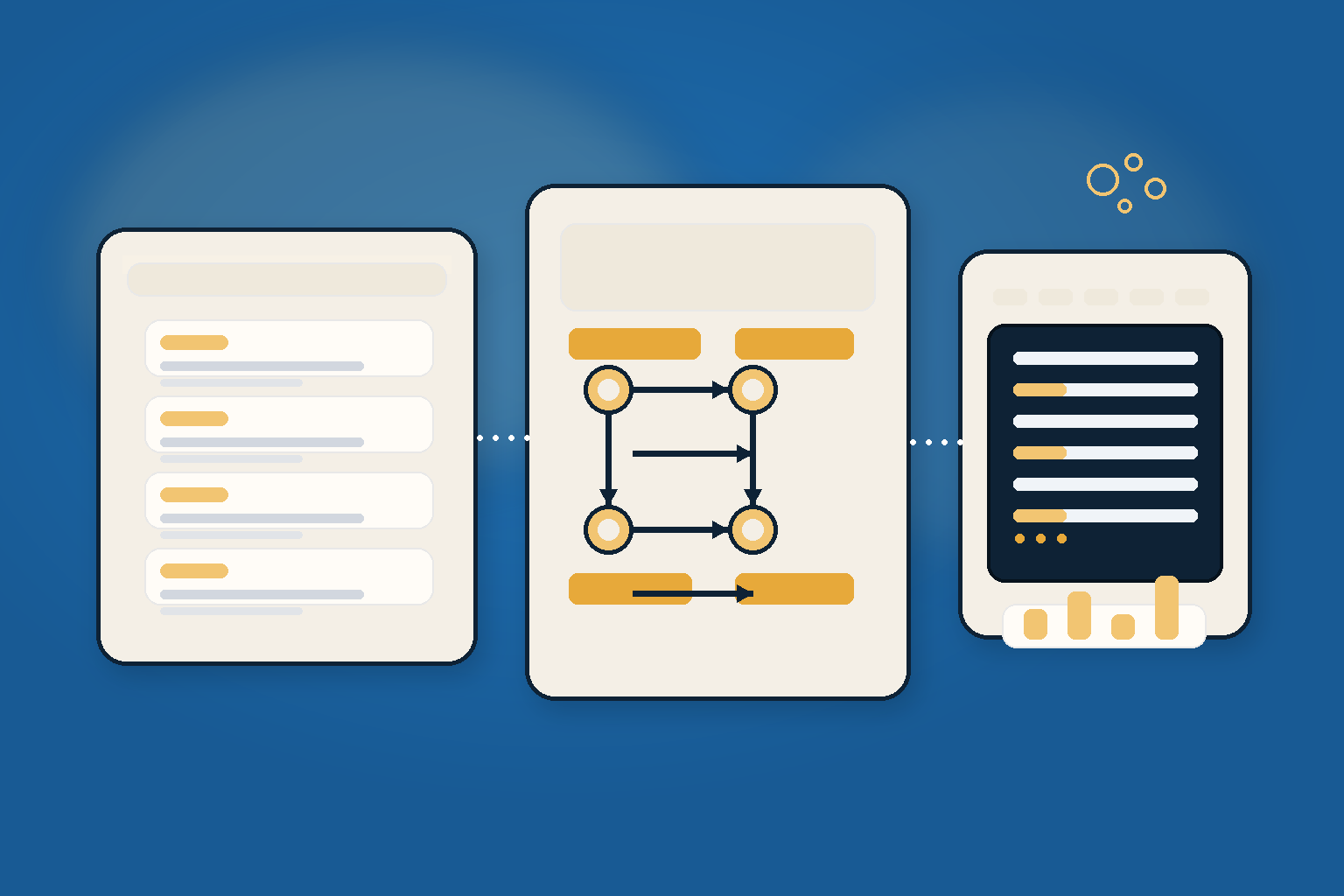
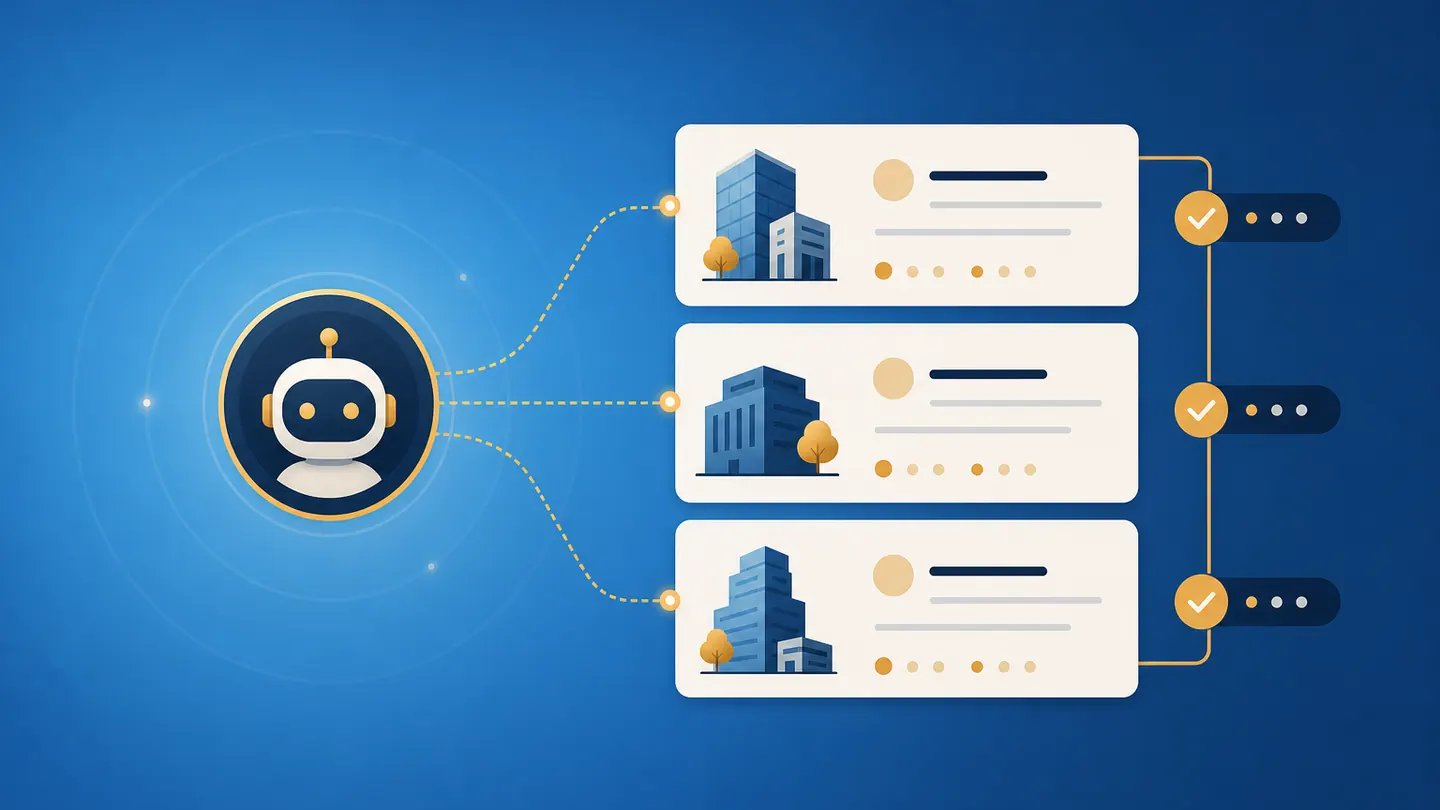
AI outbound sounds tempting: an agent researches target accounts, finds triggers, enriches company data and turns that into campaign lists. In practice, the agent is not what decides success. The quality of the ICP, source checks and approval process does.
Claygent can be a strong GTM tool — or it can scale poor data quality and high enrichment costs. The difference is operational discipline: source fields, sampling, clear exclusions and a careful handoff into the CRM matter more than the next shiny prompt.
What Claygent actually is
Clay positions Claygent as AI Agents for GTM: agents that can run web research, orchestrate plays and work with first- and third-party data. It is not just a chatbot. It is a research and workflow component inside a broader data and outbound system.
For B2B marketing, that is interesting because many tasks repeat constantly:
- review target accounts
- enrich company information
- find useful triggers
- build segments
- prepare context for outreach
- update or suggest CRM fields
The catch: if the starting logic is weak, Claygent does not scale your go-to-market process. It scales your fuzziness.
Why AI outbound is attractive right now
B2B teams need better account lists, triggers and context. Manual research does not scale well, bought lists are often messy and generic outreach burns trust quickly.
AI agents can prepare research work:
- summarize company profiles
- find current signals
- check tech stack or hiring signals
- detect funding, expansion or new product pages
- collect regional hints
- link to relevant sources
The goal should not be to send more emails immediately. The goal is a smaller, better and evidence-backed account list.
Three useful Claygent use cases
1. ICP validation
Does an account really fit the target group, or does the company name merely look promising? Claygent can help check website, industry, target market, offering and visible signals.
Good output:
- ICP fit: high / medium / low
- one-sentence reason
- source URL
- exclusion reason if the account does not fit
Bad output:
- “looks relevant” without a source
- vague company summary
- automatic CRM change without review
2. Trigger research
Outbound works better when there is a real reason to reach out. Claygent can search for triggers such as:
- new hiring pages
- new product or pricing pages
- expansion into new regions
- tool changes or new integrations
- event participation
- press or funding news
Important: the trigger must be backed by evidence. No source field, no CRM write.
3. Personalization input
Claygent should not automatically produce cold emails that go out unchecked. A better use is to collect evidence-backed context points that a human or a separate approved workflow can later turn into messaging.
Example:
- source: new careers page with multiple performance marketing roles
- context: team seems to be expanding growth capacity
- possible angle: tracking, automation or landing-page testing
- approval: human checks whether the angle is actually relevant
Setup plan: from small test to production list
Do not start with 10,000 accounts. Start with a small sample you can inspect.
- Write down the ICP: industry, size, region, exclusions and minimum criteria.
- Choose 50–100 test accounts: enough to see patterns, small enough for manual review.
- Define research fields: for example ICP fit, trigger, source, date, confidence and exclusion reason.
- Require sources: every important claim needs a URL, date and short evidence note.
- Review a sample: manually check at least 20–30 percent in the beginning.
- Calculate cost per usable account: not cost per API call or enriched row.
- Write to CRM only after quality checks: before that, keep the data in the working table.
Quality metrics that matter more than list size
A big list sounds good. A large inaccurate list mainly increases review effort and downstream costs.
Track metrics such as:
- share of verified accounts
- share of false triggers
- cost per usable account
- response quality on personalized outreach variants
- bounce, spam and opt-out signals
- manual corrections per 100 accounts
- share of accounts with reliable source evidence
If these numbers are poor, more automation will not help. The process needs to go back to ICP, source logic and exclusions.
Risks: hallucinations, cost, GDPR and spam
AI research must not enter the CRM as unchecked truth. The risky cases are:
- unsupported claims about companies
- wrongly matched people
- outdated company data
- private or questionable scraped information
- automatic personalization without real context
- sequences without relevance and consent checks
- high credit costs for unusable results
The practical protection is simple: source requirements, sampling, approval and clear “do not do this” rules.
Claygent vs. alternatives
| Tool / workflow | Strengths | Be careful with |
|---|---|---|
| Claygent / Clay | GTM research, enrichment, account workflows | cost, source quality, GDPR boundaries |
| Zapier Agents | cross-app automations and approvals | less specialized for B2B data research |
| n8n AI Workflows | technical control, custom error paths, self-hosting | more setup and maintenance |
| HubSpot Breeze | CRM-native agents when HubSpot data is clean | depends heavily on CRM data quality |
Claygent is therefore not “better than everything”. It is especially interesting when GTM research and data enrichment are the real bottleneck.
Before / after: a realistic workflow
Before: Sales buys a list, filters roughly by industry and sends generic emails. Some data is wrong, triggers are missing and nobody knows exactly which sources are reliable.
After: Marketing ops builds a small verified account list. Claygent collects evidence-backed triggers and sources. A human reviews samples. Only then are CRM fields, segments or outreach inputs updated.
That is less spectacular, but much more robust.
Practical tips for better Claygent workflows
- Start with hard exclusions: countries, industries, company size and “not relevant” patterns.
- Define whether each field is required, optional or only a comment.
- Use a
source_urlfield and anevidence_notefield for every important claim. - Separate research from outreach: data quality first, messaging second.
- Manually check every fifth row at the start and document error classes.
- Write only reviewed data into the CRM; uncertain results stay in Clay or a review sheet.
Conclusion
Claygent is not a complete solution for B2B outbound. It is a strong operator tool for teams that know their ICP, check sources and measure costs consciously.
Used well, Claygent can speed up research and provide better account signals. Used poorly, it simply produces a larger list of questionable data faster. The best Claygent workflow therefore starts not with a prompt, but with a hard ICP and a clear source requirement.
Ask your AI tool / LLM / agent
These questions help when planning your own workflow:
- “Build a Claygent test plan for 50 B2B accounts with required fields, source fields and review rules.”
- “Review this ICP and turn it into hard exclusions for AI outbound research.”
- “Which fields from this Clay list may go directly into the CRM, and which need human review?”
- “Compare Claygent, Zapier Agents and n8n for our GTM research process.”
Useful starting points: Claygent, Zapier Agents, n8n Advanced AI and HubSpot Breeze AI. For the broader context, see my overview of AI marketing tools.